 Google uses AI technology to translate content into your preferred language. AI translations can contain errors.
開始使用 ARCore
透過集合功能整理內容
你可以依據偏好儲存及分類內容。
平台專屬指南
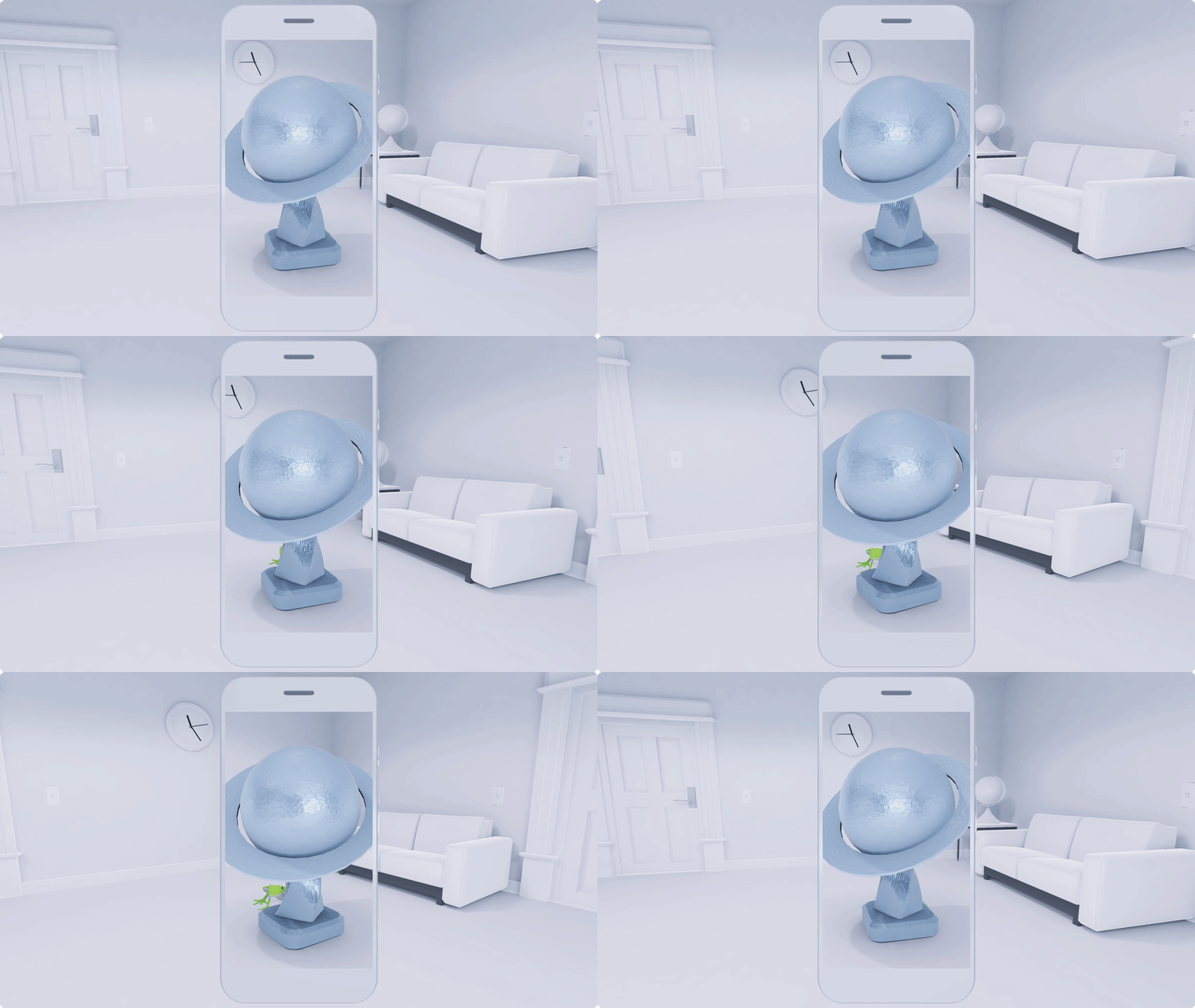
如要在應用程式中使用 ARCore,請按照上方列出的平台專屬指南操作。設定環境並確認可以執行範例應用程式後,請將 ARCore 設為「AR 必備」或「AR 選用」,並為應用程式設定 ARCore 工作階段。接著,您就可以探索 ARCore 功能,例如即時放置、擴增圖像和雲端錨點。
如要進一步瞭解擴增實境和 AR 應用程式開發作業,請參閱「基本概念」和「擴增實境要點」一節中的其他文章。
除非另有註明,否則本頁面中的內容是採用創用 CC 姓名標示 4.0 授權,程式碼範例則為阿帕契 2.0 授權。詳情請參閱《Google Developers 網站政策》。Java 是 Oracle 和/或其關聯企業的註冊商標。
上次更新時間:2026-05-13 (世界標準時間)。
[[["容易理解","easyToUnderstand","thumb-up"],["確實解決了我的問題","solvedMyProblem","thumb-up"],["其他","otherUp","thumb-up"]],[["缺少我需要的資訊","missingTheInformationINeed","thumb-down"],["過於複雜/步驟過多","tooComplicatedTooManySteps","thumb-down"],["過時","outOfDate","thumb-down"],["翻譯問題","translationIssue","thumb-down"],["示例/程式碼問題","samplesCodeIssue","thumb-down"],["其他","otherDown","thumb-down"]],["上次更新時間:2026-05-13 (世界標準時間)。"],[],[]]
