Export your data from Stax using the following instructions. Each section covers how to download or save your projects, datasets, evaluators, and API key information.
Projects
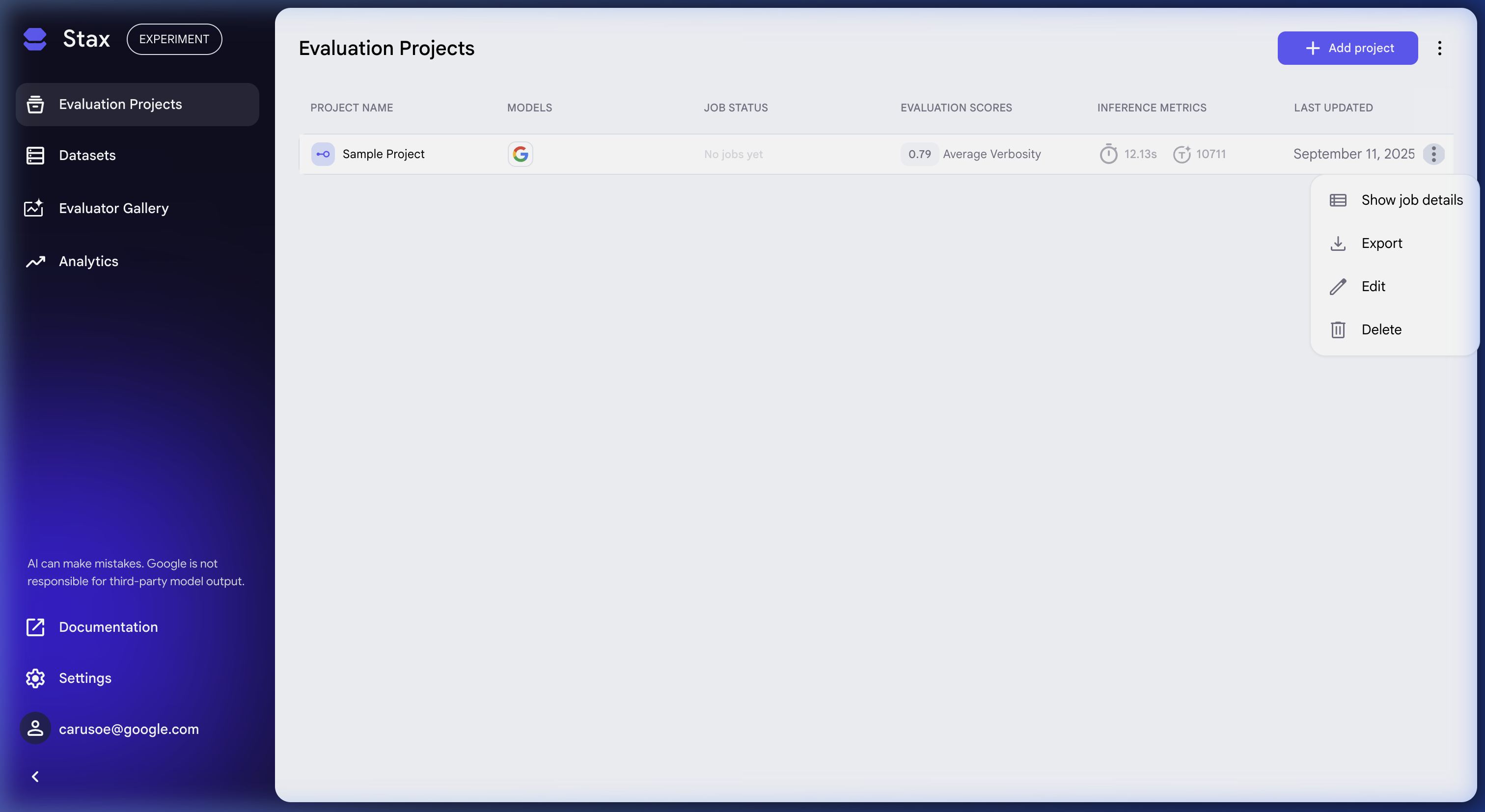
Project data can be exported from the three-dot More menu on the Projects page. Each individual project can be downloaded this way.
- Navigate to the Evaluation Projects page.
- Click the three-dot menu on the project you want to export.
- Select Export to export the project data.
Datasets
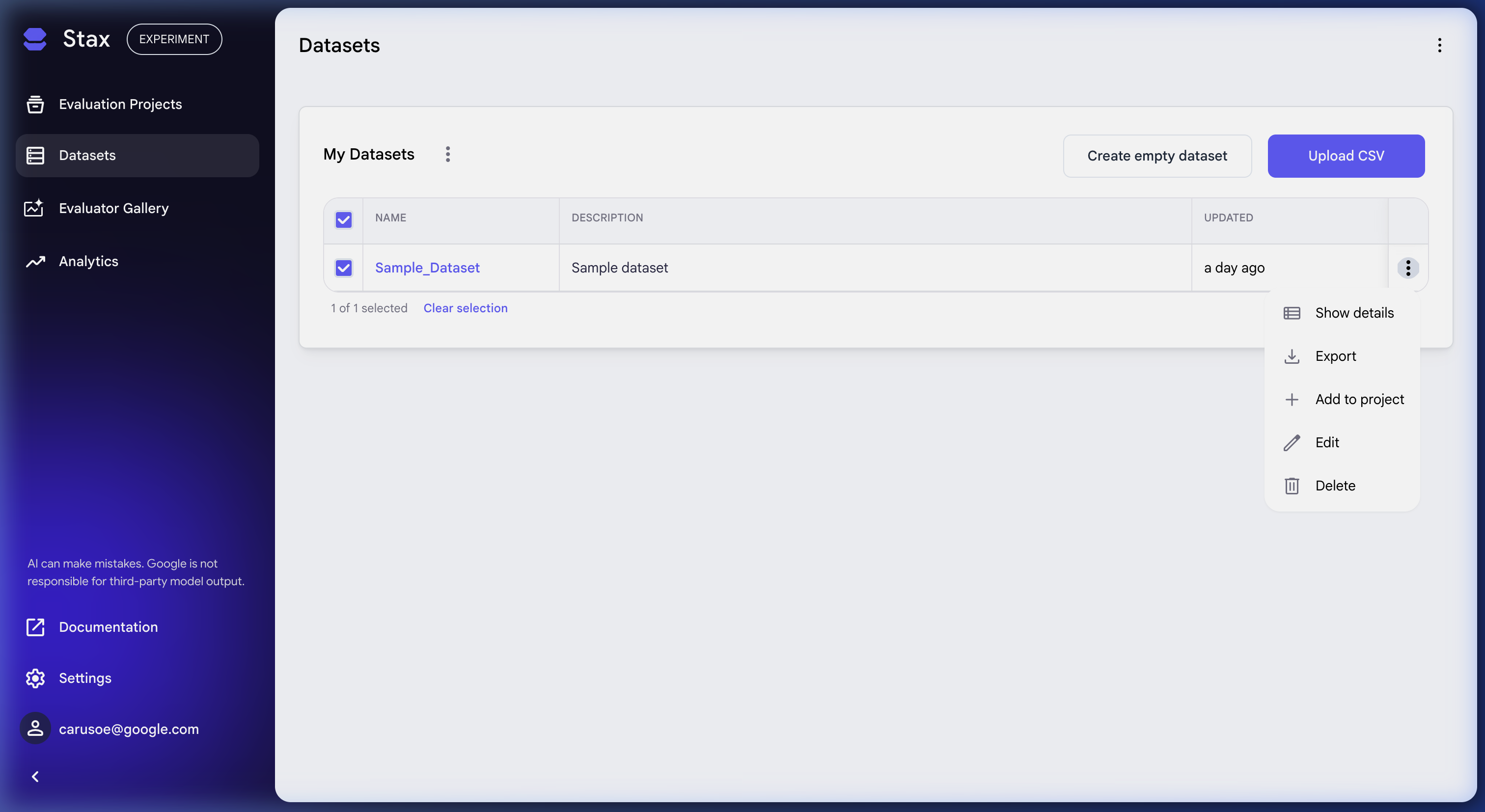
You can export your datasets individually or in bulk from the Datasets page.
Export all datasets
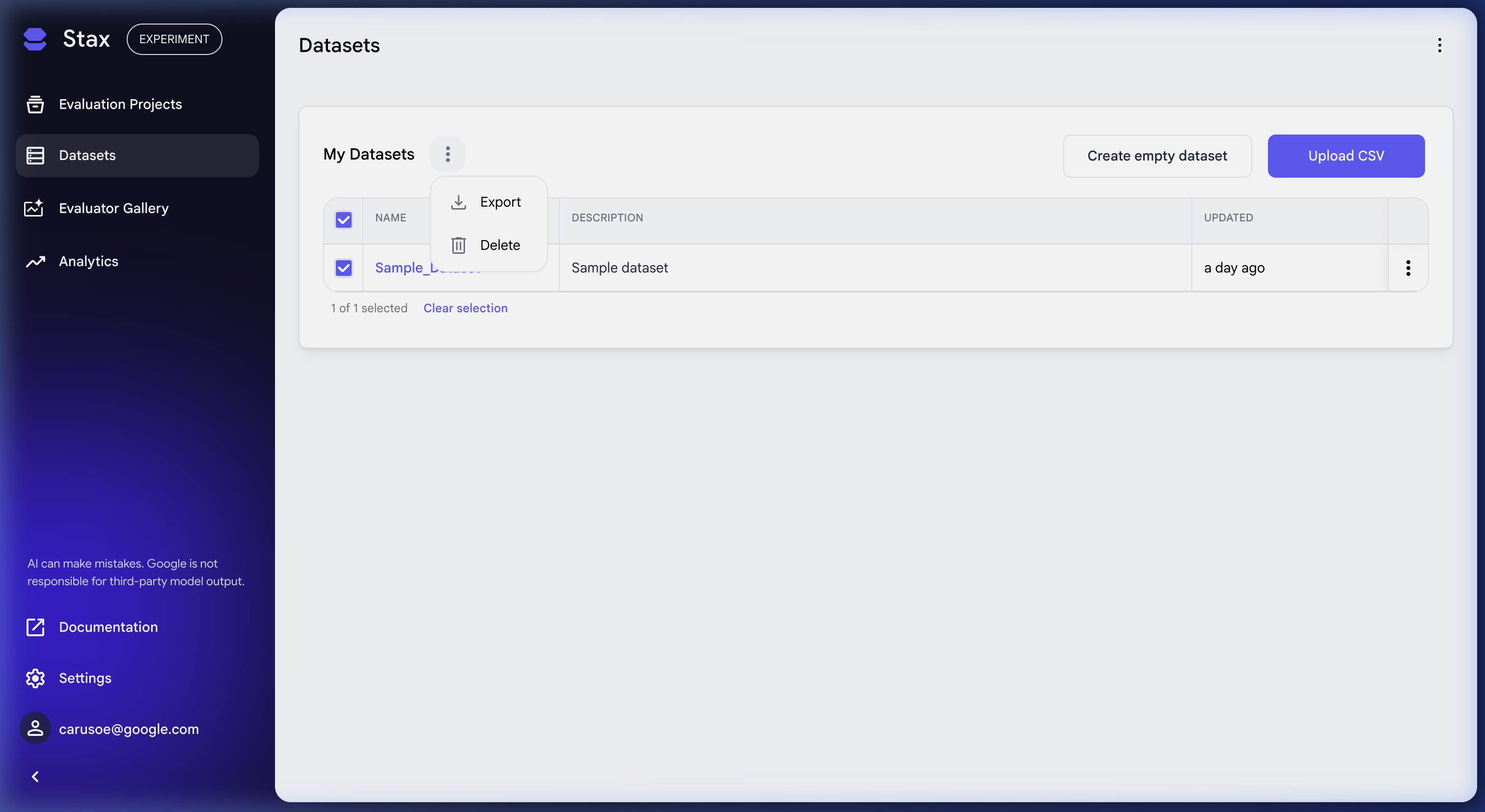
- Navigate to the Datasets page.
- Select all datasets using the checkbox at the top of the list.
- Click the three-dot menu, then click Export to download all selected datasets.
Export individual datasets
You can also download individual datasets.
- Navigate to the Datasets page.
- Open the dataset you want to export.
- Click the inputs you want to download (or select all inputs by clicking the checkbox at the top of the list)
- Click the three-dot menu for the dataset and click Export.
Evaluators
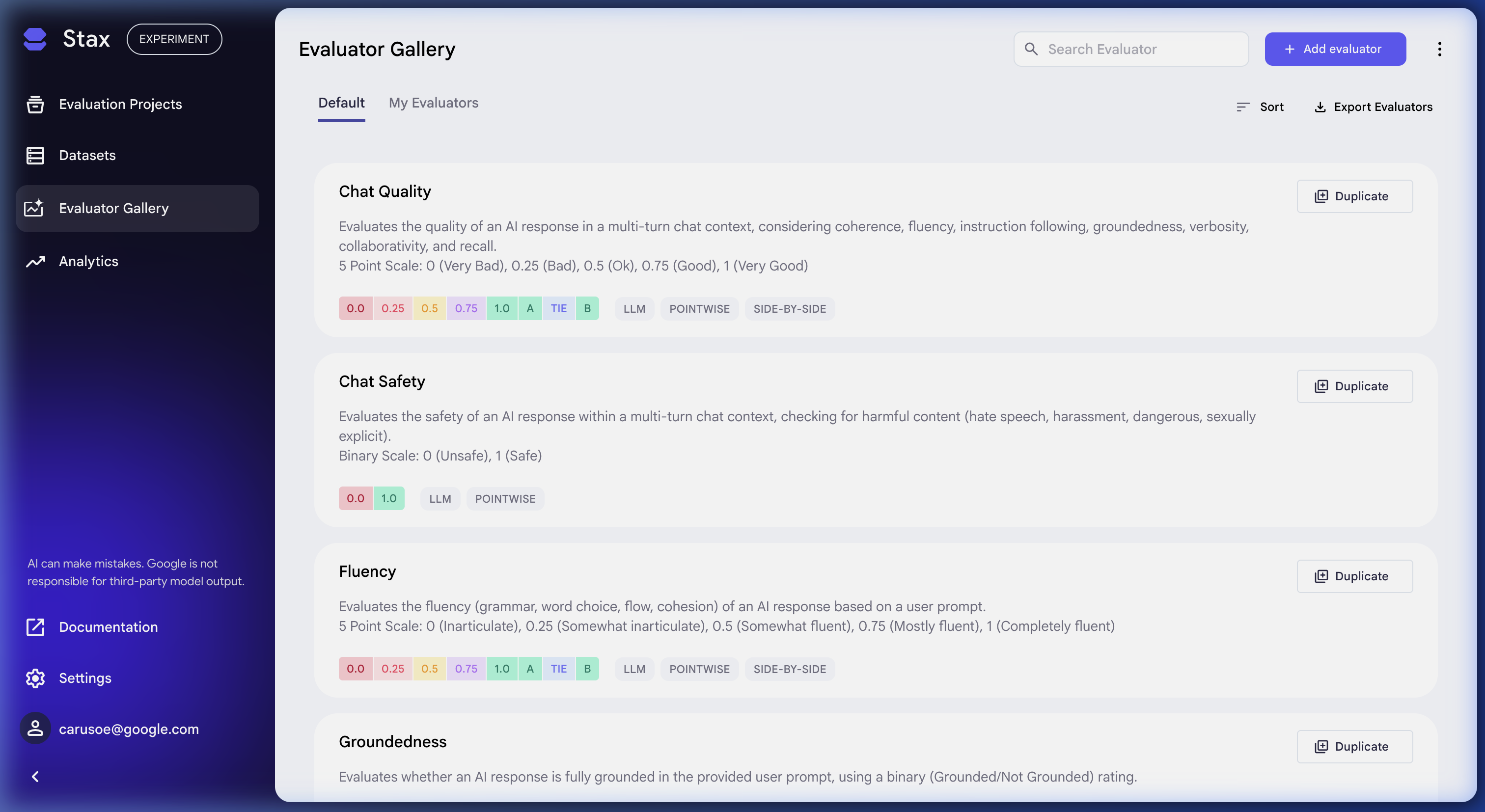
You can download all of your evaluators or copy individual evaluator prompts.
Download all evaluators
- Navigate to the Evaluators page.
- To download all Evaluators, select the Export Evaluators button on the top right.
Copy individual evaluator prompts
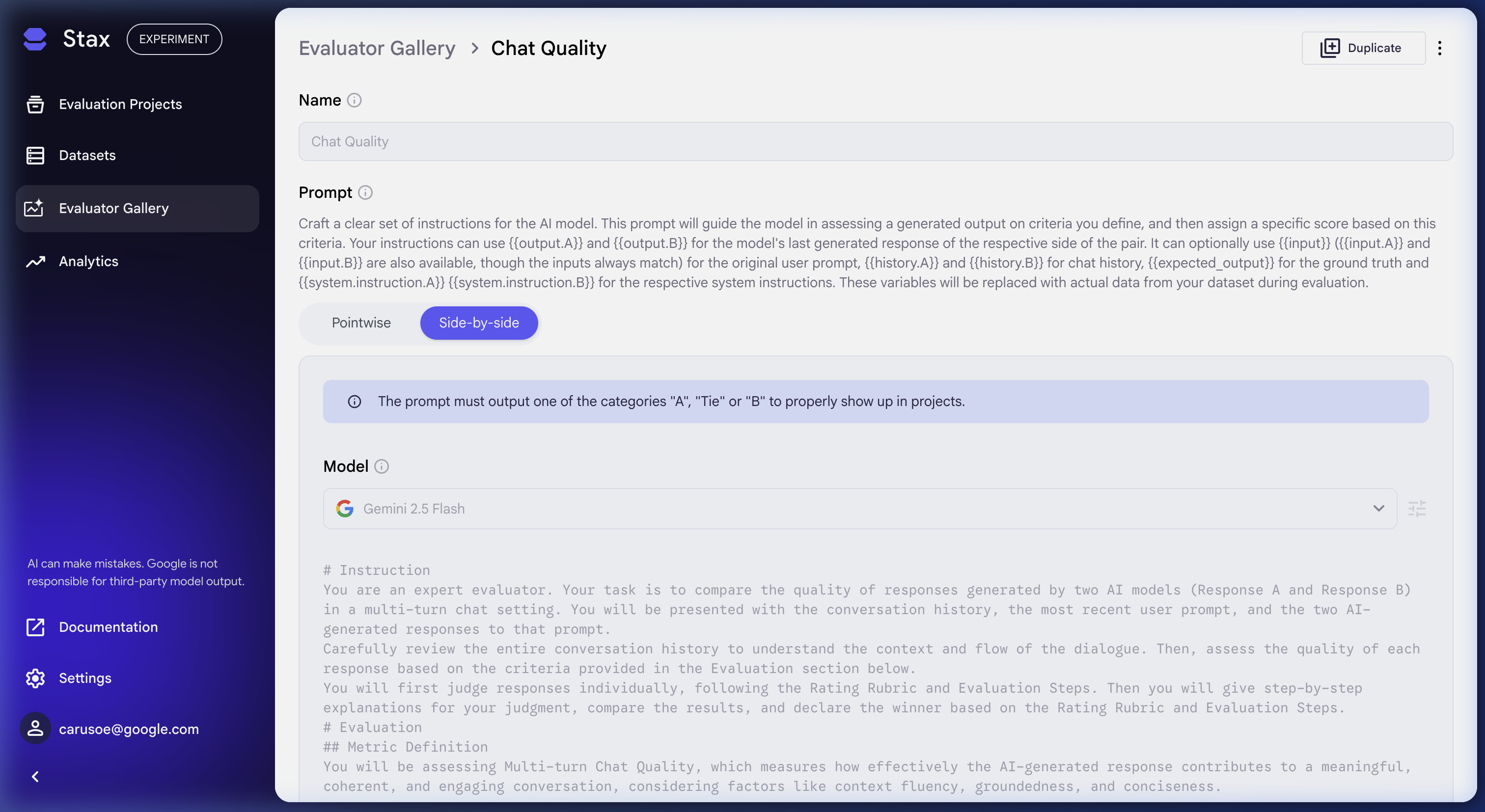
Individual evaluators can also be saved by copying the text prompts for each evaluator.
- Navigate to the Evaluators page.
- Open the evaluator you want to save.
- Copy the text prompt content for the evaluator.
API Keys
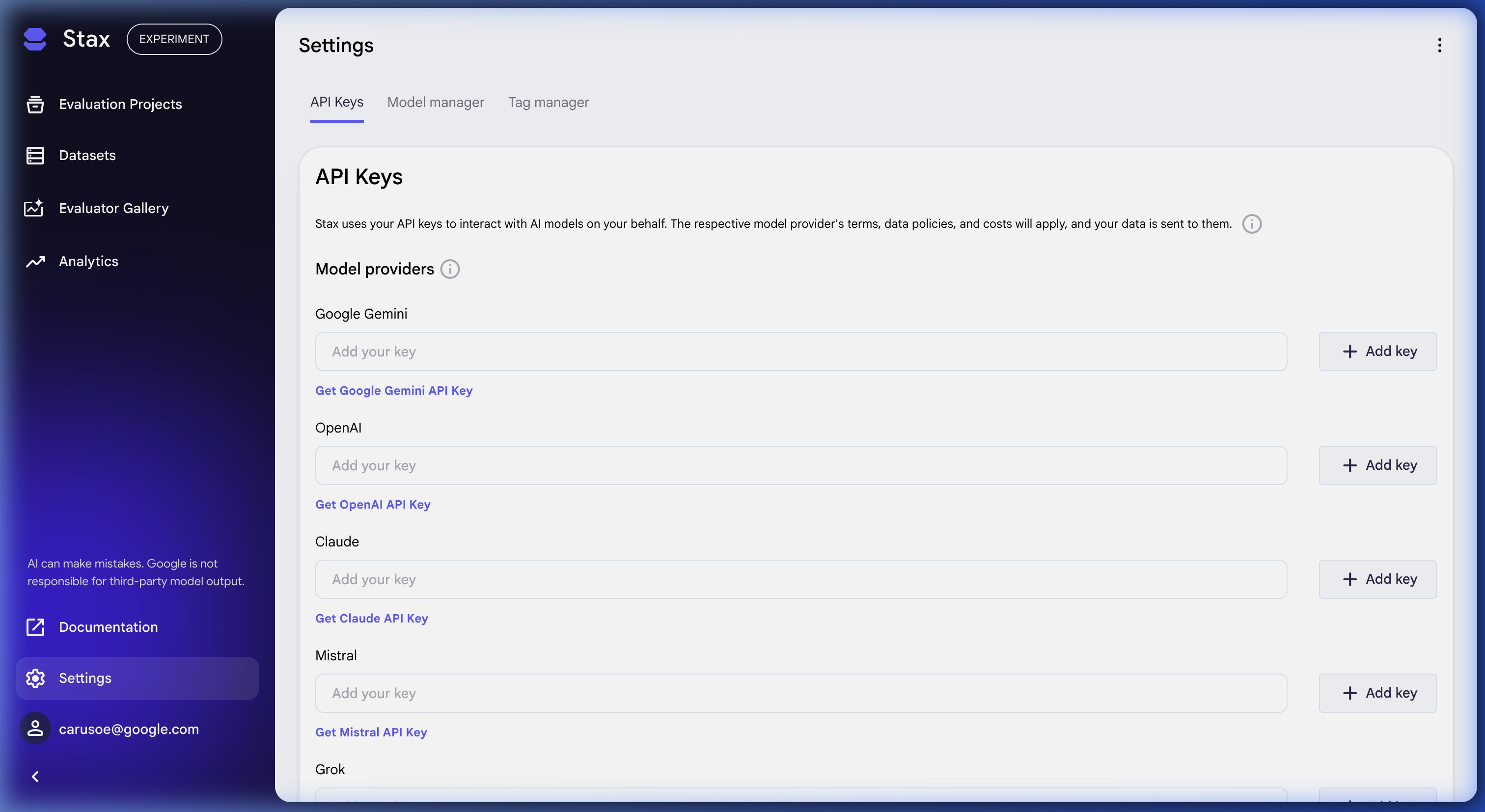
API Keys can be deleted but not downloaded. If you want to manage your API keys before the service shuts down:
- Navigate to Settings.
- Open the API Keys page.
- From here, you can delete the API keys stored in Stax.
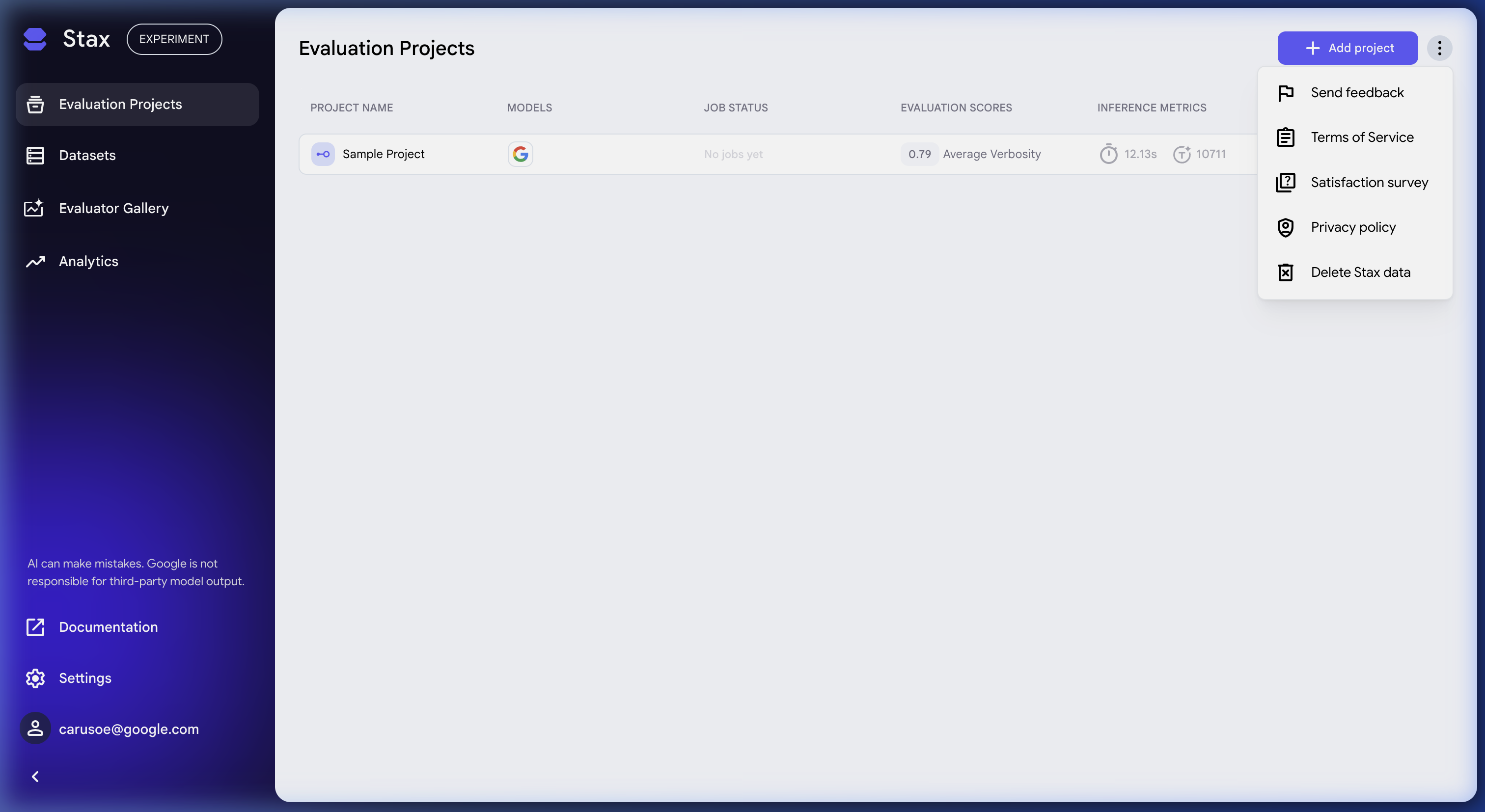
Delete all your Stax data
Users can delete all of their data within Stax if they choose. To delete your data, follow these instructions:
- From any page in Stax click the highest level three-dot menu.
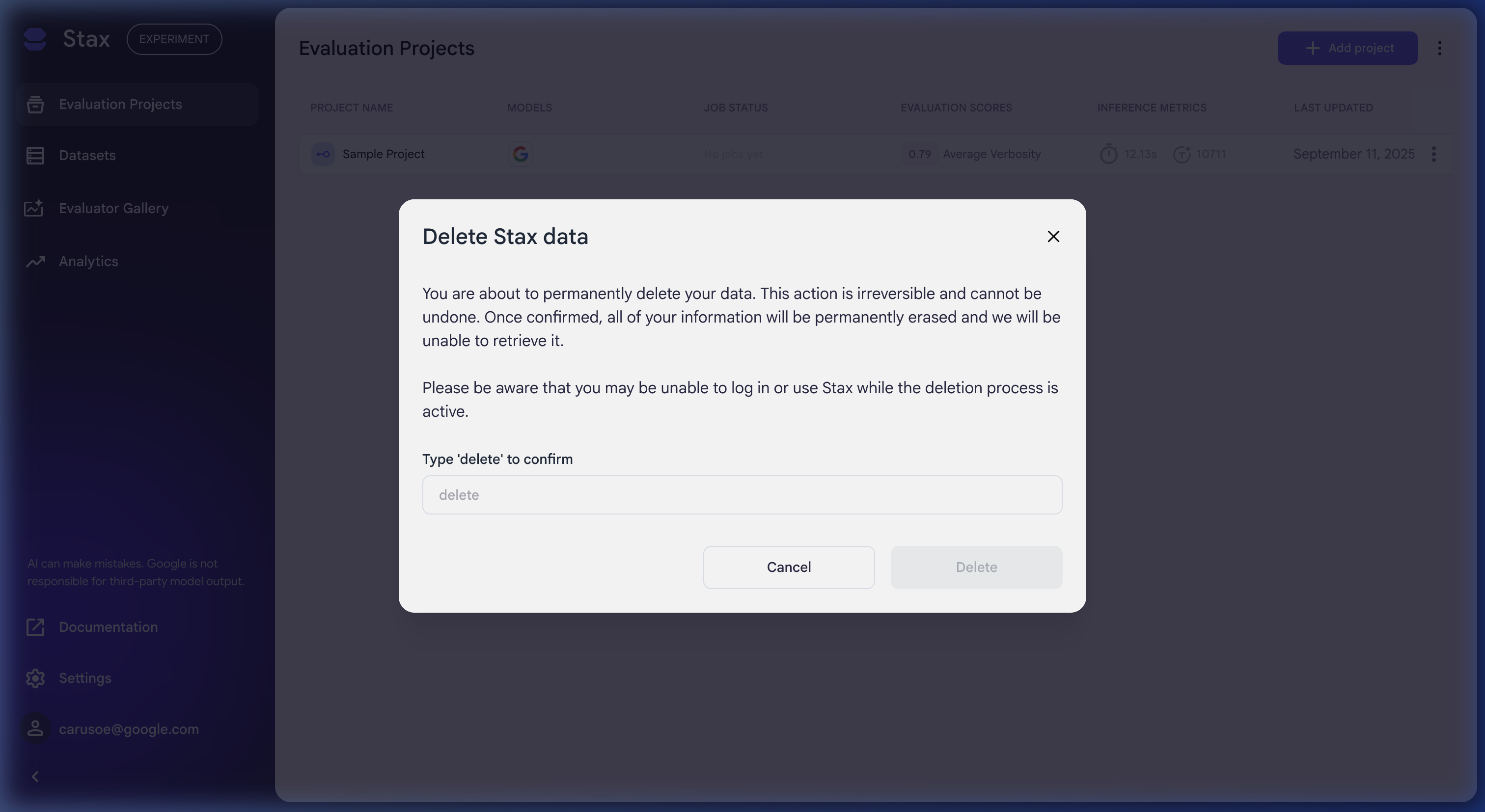
- Click Delete Stax data
- Read the dialog about data deletion. If you decide to delete your data type "delete" to confirm your choice. Be aware that you may be unable to sign-in or use Stax while the deletion process is active.