
Evaluate MediaPipe Tasks interactively in your browser with MediaPipe Web Demos, fork runnable TypeScript apps in StackBlitz, or clone complete Android, iOS, Web, and Python starter projects from GitHub.
Run a sample locally
Official starter apps are maintained across two repositories:
google-ai-edge/mediapipe-samples
for Android, iOS, and Python, and
google-ai-edge/mediapipe-samples-web
for Web and TypeScript. Select your target platform to clone and run an example:
Web
Clone mediapipe-samples-web to run the Vite + TypeScript sample suite
locally, or open it directly in StackBlitz
with zero local setup:
git clone https://github.com/google-ai-edge/mediapipe-samples-web.git
cd mediapipe-samples-web
pnpm install
pnpm dev
Each task implementation lives in src/tasks/<task-name>.ts and uses the
published @mediapipe/tasks-* npm packages with WebGL, WebGPU, and
WebAssembly acceleration.
Android (Kotlin & Java)
Clone mediapipe-samples and open any task's android/ directory in
Android Studio:
git clone https://github.com/google-ai-edge/mediapipe-samples.git
# Open a project folder in Android Studio, for example:
# mediapipe-samples/examples/object_detector/android
Each Android Studio project includes a CameraX live camera feed, a media
picker for still images and video files, runtime controls for confidence
thresholds and CPU/GPU delegates, and a Gradle download script
that fetches the model files automatically during Gradle sync.
iOS (Swift)
Clone mediapipe-samples, navigate to a task's ios/ folder, and open the
Xcode project (Xcode resolves Swift Package Manager dependencies
automatically):
git clone https://github.com/google-ai-edge/mediapipe-samples.git
cd mediapipe-samples/examples/<task_name>/ios   # for example: object_detector/ios
open *.xcodeproj
Each iOS sample wraps the MediaPipe Tasks Swift SDK with an
AVCaptureSession camera pipeline, an overlay renderer, and interactive
controls ready to deploy to an iPhone or iPad.
Python & Colab
Open any task's .ipynb notebook in Google Colab or Jupyter, or clone
mediapipe-samples and run the standalone OpenCV scripts in the
raspberry_pi/ directories (they also run on desktop Linux and macOS with a
USB webcam):
git clone https://github.com/google-ai-edge/mediapipe-samples.git
cd mediapipe-samples/examples/<task_name>/raspberry_pi   # for example: object_detector/raspberry_pi
sh setup.sh
python3 detect.py   # script name varies by task: detect.py, classify.py, recognize.py, ...
Python examples include self-contained .ipynb notebooks for interactive
experimentation alongside standalone OpenCV and Raspberry Pi scripts.
Sample directory by task
Jump directly to the documentation guide, hosted browser demo, or platform source directory for any of the 22 MediaPipe Tasks.
Audio
| Task | Browser demo | Sample code & notebooks |
|---|---|---|
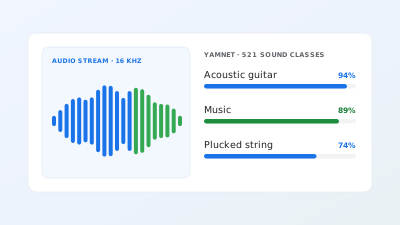 Audio Classifier |
Web demo | |
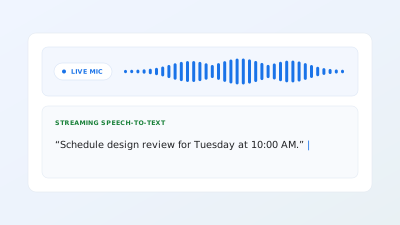 Audio Transcriber |
Web demo | |
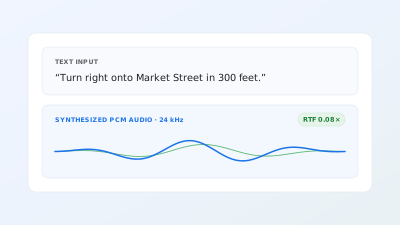 Text-to-Speech |
Web demo |
Decision
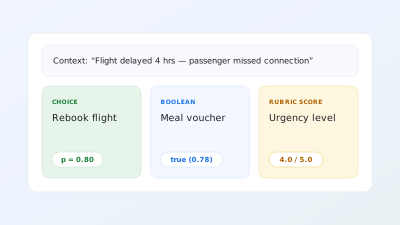
Retrieval
| Task | Browser demo | Sample code & notebooks |
|---|---|---|
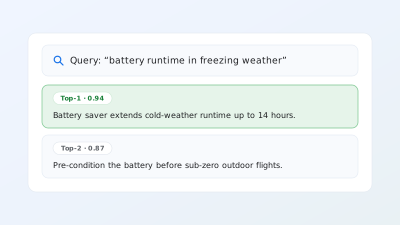 Semantic Retriever |
Web demo | |
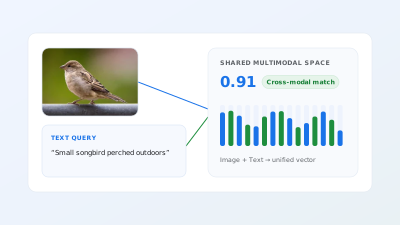 Universal Embedder |
Web demo |
Text
| Task | Browser demo | Sample code & notebooks |
|---|---|---|
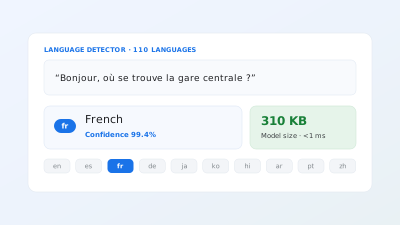 Language Detector |
Web demo | |
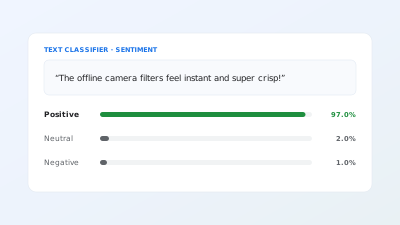 Text Classifier |
Web demo | |
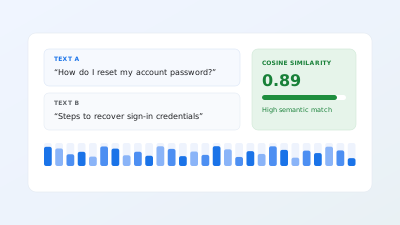 Text Embedder |
Web demo | |
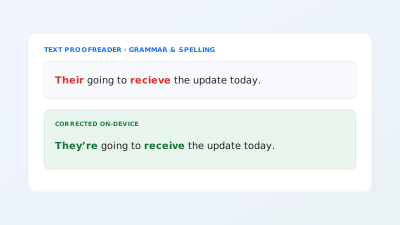 Text Proofreader |
Android, iOS & Python | |
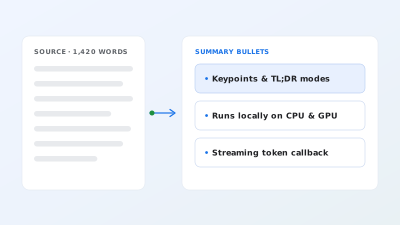 Text Summarizer |
Android, iOS & Python |
Vision
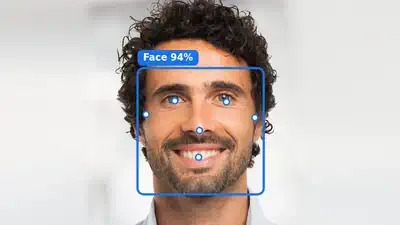
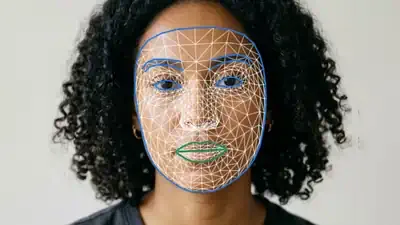
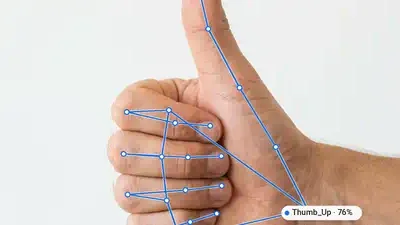
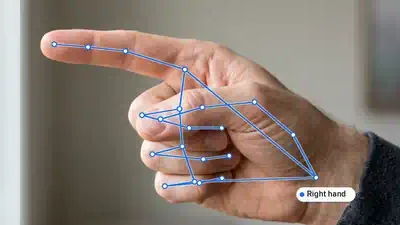
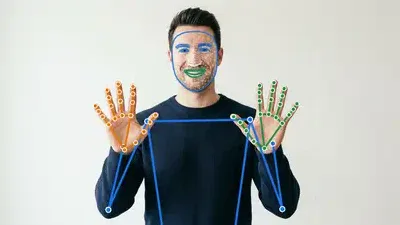
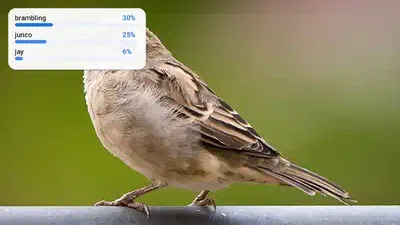
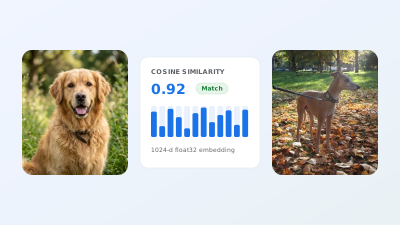

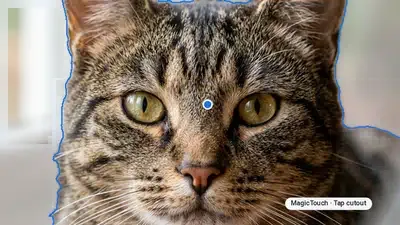
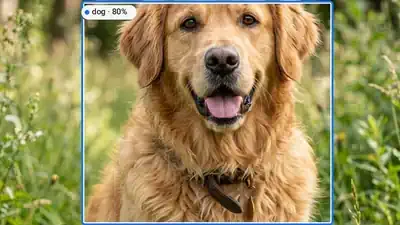
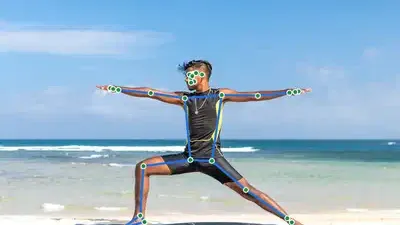
Test custom models and inputs in Web Demos
Both the embedded playgrounds in each task guide and the standalone MediaPipe Web Demos suite run locally in your browser using WebGL, WebGPU, and WebAssembly:
- Bring your own model bundle: In
MediaPipe Web Demos,
open the Model selector and choose a local
.task,.tflite, or.litertlmfile that matches the task's input and output tensor metadata to evaluate custom models before shipping them in a mobile or desktop build. - Test real inputs: Stream live frames from a webcam or microphone, upload your own test images or audio clips, or enter custom text prompts and search queries. All inputs are processed locally on your device.
- Compare runtime settings: Adjust confidence thresholds, maximum results,
and
CPUversusGPUdelegates interactively to measure on-device inference latency in milliseconds.