
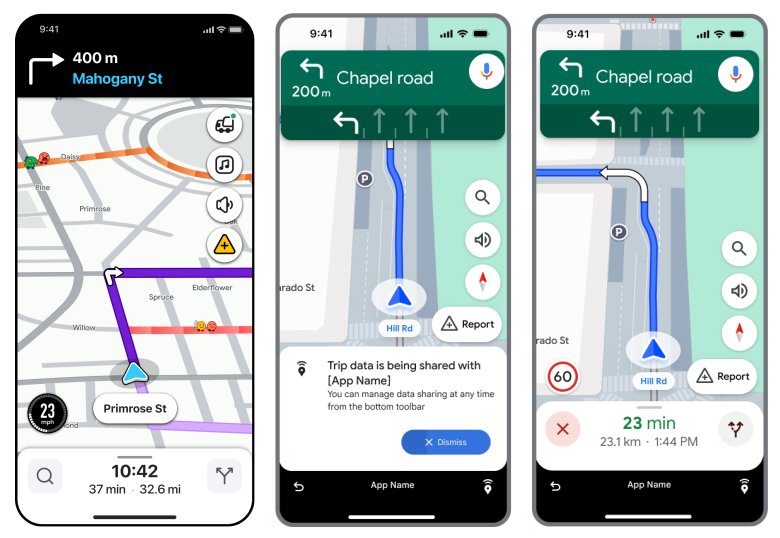
Navigation Connect API
Navigate and track trips seamlessly with Google Maps or Waze.
Get Started
Start building with Navigation Connect API.
Get started with Google Maps Platform
Create an account, enable the API, verify your app, and start building.
Create a trip
Learn how to create a trip and receive an authenticated trip token.
Navigate with Google Maps or Waze
Add a button in your app to launch Google Maps or Waze navigation.
Retrieve trip data
Retrieve trip data through API requests or Google Cloud Pub/Sub.
Client libraries
Use the C#, Java, Python, Go, or Node.js client libraries to work with Navigation Connect on your server.
View the API reference
View the Navigation Connect REST and RPC API reference.
Features
Learn about core features of Navigation Connect.
Handle trip data
Check trip statuses and respond to navigation events that occur as drivers navigate to the destination.
Handle an added stop along the route
Understand and calculate trip data when a driver adds a stop to the trip.
Handle mid-trip app switching
Configure your app to continue navigation when the driver switches from Google Maps or Waze to your app before arriving at the destination.