
Actions enable users to interact with your product or service right inside Gmail.
For example, when you send a notification that a magazine subscription is about to expire, you can present the option to renew it right from the notification.
You can declare actions in two ways: in-app actions or go-to actions. Gmail supports multiple types of actions.
In-app actions
Gmail handles in-app actions in place without sending the user to another website. These actions include one-click actions.
One-click action
In many scenarios, the user must confirm a predefined request. For example, when a user registers for a website, they receive an email asking them to confirm their registration. Similarly, a movie or music recommendation service can prompt a user to add items to a queue to enjoy later.
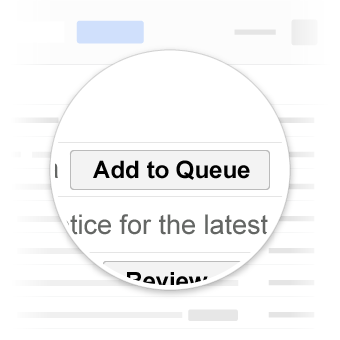
One-click actions in Gmail
To learn more, see the one-click action reference.
Go-to actions
For more complex interactions, use go-to actions to provide a direct link to the page where the user can perform the action. Clicking the button redirects the user to the page specified in the action definition.
Use go-to actions for interactions that require multiple steps or significant data entry that users can't perform from the inbox. For example, an airline sending a check-in reminder can add a go-to action to direct the user to the airline website to select a seat or request an upgrade.
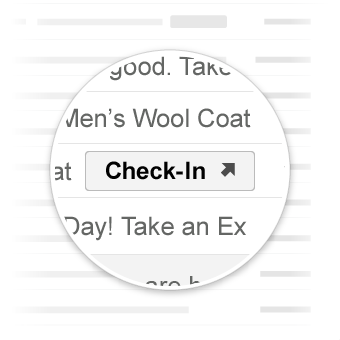
Go-to actions in Gmail
To learn more, see the go-to action reference.