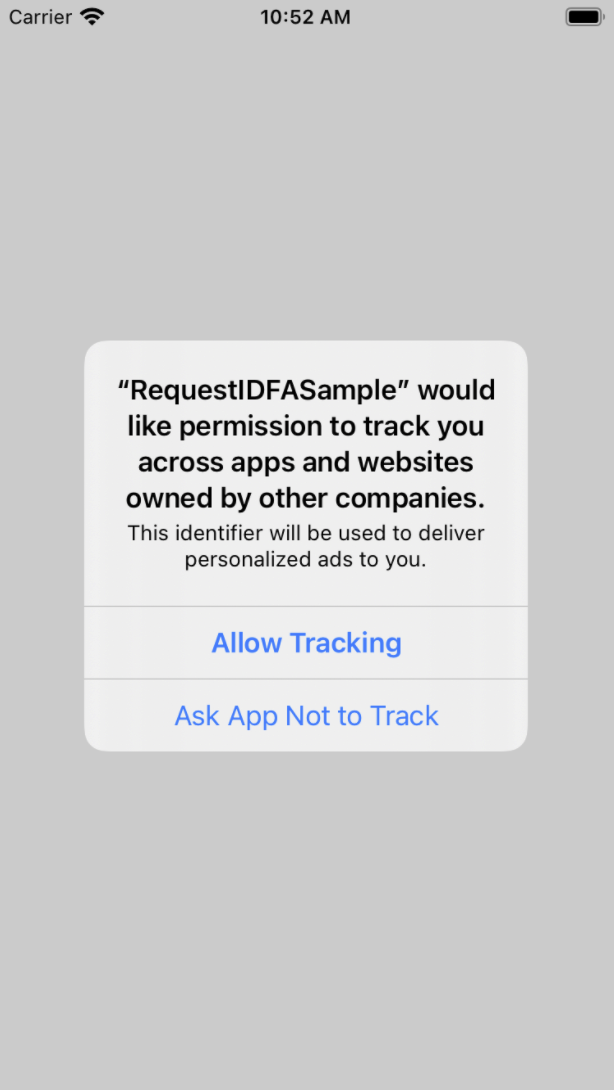
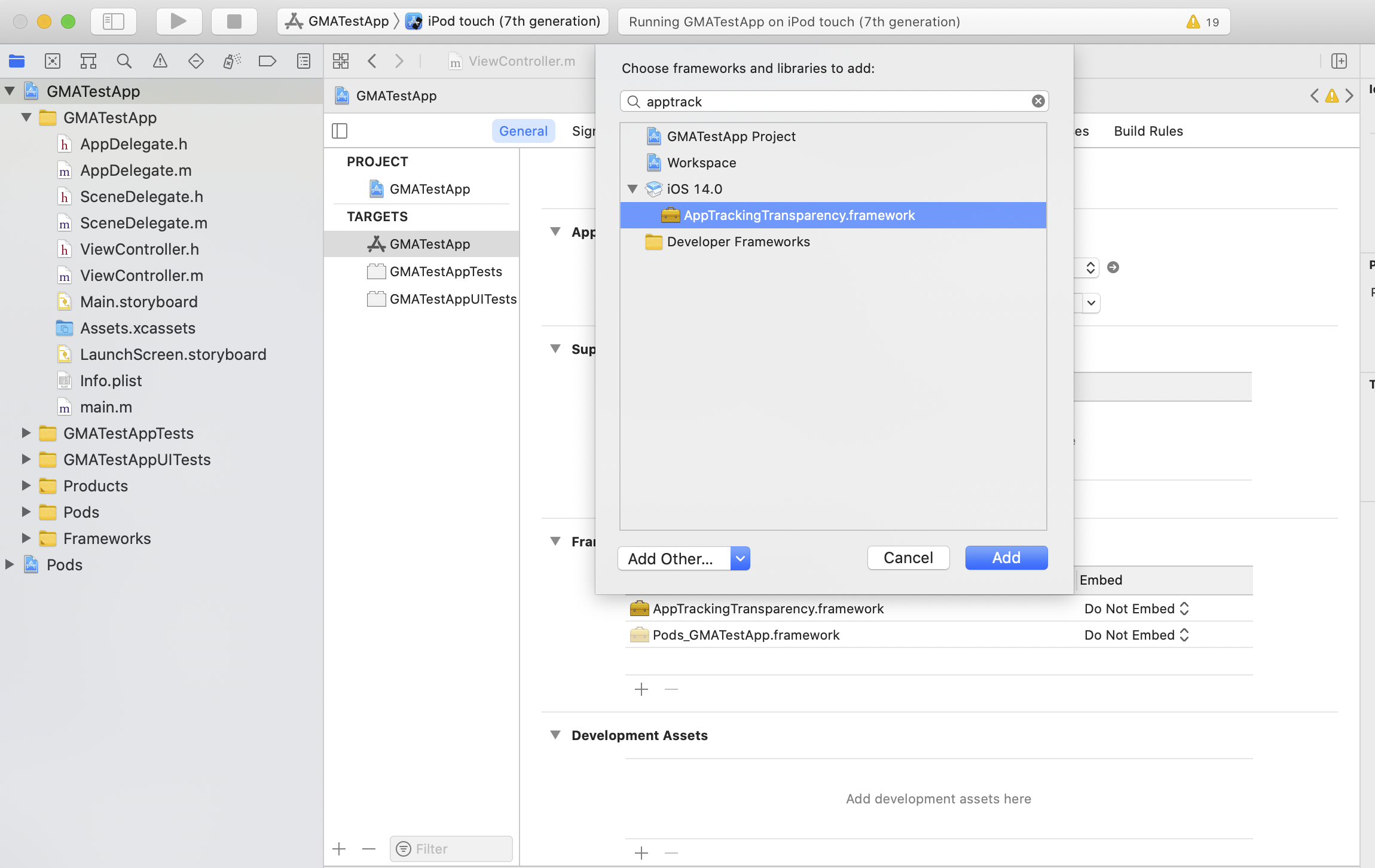
หากผู้ใช้ปฏิเสธ ATT ให้ขอโฆษณาต่อโดยใช้ API ของรูปแบบโฆษณา
Google Mobile Ads Flutter Plugin จะไม่ส่ง IDFA ในคำขอโฆษณา ดูรายละเอียดเพิ่มเติมได้ที่
หัวข้อเลือกรูปแบบโฆษณา
[[["เข้าใจง่าย","easyToUnderstand","thumb-up"],["แก้ปัญหาของฉันได้","solvedMyProblem","thumb-up"],["อื่นๆ","otherUp","thumb-up"]],[["ไม่มีข้อมูลที่ฉันต้องการ","missingTheInformationINeed","thumb-down"],["ซับซ้อนเกินไป/มีหลายขั้นตอนมากเกินไป","tooComplicatedTooManySteps","thumb-down"],["ล้าสมัย","outOfDate","thumb-down"],["ปัญหาเกี่ยวกับการแปล","translationIssue","thumb-down"],["ตัวอย่าง/ปัญหาเกี่ยวกับโค้ด","samplesCodeIssue","thumb-down"],["อื่นๆ","otherDown","thumb-down"]],["อัปเดตล่าสุด 2026-07-08 UTC"],[],["To support the IDFA message using the UMP SDK, first complete the \"Get started\" guide and create an IDFA message in Ad Manager. Update the `Info.plist` file by adding the `NSUserTrackingUsageDescription` key with a custom message explaining IDFA usage. Link the `AppTrackingTransparency` framework. During testing, remember the IDFA ATT dialog appears only once unless the app is uninstalled and reinstalled due to the one-time authorization request. The form is available if the authorization status is `ATTrackingManagerAuthorizationStatusNotDetermined`.\n"]]