
原生广告模板是原生广告的完整代码视图,旨在加快广告植入速度并简化修改过程。借助原生广告模板,该插件为您提供了适用于 Android 和 iOS 的预置广告布局,您可以使用 DART API 自定义原生素材资源的样式。
本指南演示了如何使用 DART API 设置底层平台视图的样式并呈现广告。
前提条件
在继续之前,请确保满足以下条件:
- Flutter 2.4.0 或更高版本。
务必用测试广告进行测试
在构建和测试应用时,请确保使用的是测试广告,而不是实际投放的广告。对于原生广告,加载测试广告最简便的方法就是使用我们的专用测试广告单元 ID:
/21775744923/example/native
这些测试广告单元经过专门配置,可确保每个请求返回的都是测试广告;在编码、测试和调试期间,您可以在自己的应用中随时调用。只需确保在发布应用之前,将这些测试广告单元 ID 替换为您自己的广告单元 ID 即可。
加载广告
以下示例使用 medium 尺寸的原生广告模板加载原生广告:
class NativeExampleState extends State<NativeExample> {
  NativeAd? nativeAd;
  bool _nativeAdIsLoaded = false;

 // TODO: replace this test ad unit with your own ad unit.
 final _adUnitId = '/21775744923/example/native';

  /// Loads a native ad.
  void loadAd() {
    _nativeAd = NativeAd(
        adUnitId: _adUnitId,
        listener: NativeAdListener(
          onAdLoaded: (ad) {
            debugPrint('$NativeAd loaded.');
            setState(() {
              _nativeAdIsLoaded = true;
            });
          },
          onAdFailedToLoad: (ad, error) {
            // Dispose the ad here to free resources.
            debugPrint('$NativeAd failed to load: $error');
            ad.dispose();
          },
        ),
        request: const AdManagerAdRequest(),
        // Styling
        nativeTemplateStyle: NativeTemplateStyle(
            // Required: Choose a template.
            templateType: TemplateType.medium,
            // Optional: Customize the ad's style.
            mainBackgroundColor: Colors.purple,
            cornerRadius: 10.0,
            callToActionTextStyle: NativeTemplateTextStyle(
                textColor: Colors.cyan,
                backgroundColor: Colors.red,
                style: NativeTemplateFontStyle.monospace,
                size: 16.0),
            primaryTextStyle: NativeTemplateTextStyle(
                textColor: Colors.red,
                backgroundColor: Colors.cyan,
                style: NativeTemplateFontStyle.italic,
                size: 16.0),
            secondaryTextStyle: NativeTemplateTextStyle(
                textColor: Colors.green,
                backgroundColor: Colors.black,
                style: NativeTemplateFontStyle.bold,
                size: 16.0),
            tertiaryTextStyle: NativeTemplateTextStyle(
                textColor: Colors.brown,
                backgroundColor: Colors.amber,
                style: NativeTemplateFontStyle.normal,
                size: 16.0)))
      ..load();
  }
}
如需了解可用的样式设置选项,请参阅 NativeTemplateStyle 和 NativeTemplateTextStyle。
自定义广告
使用原生广告模板自定义原生广告时,广告的界面配置将由 NativeTemplateStyle 类承载,使您能够通过 Dart 代码为整个原生广告设置样式。
模板尺寸
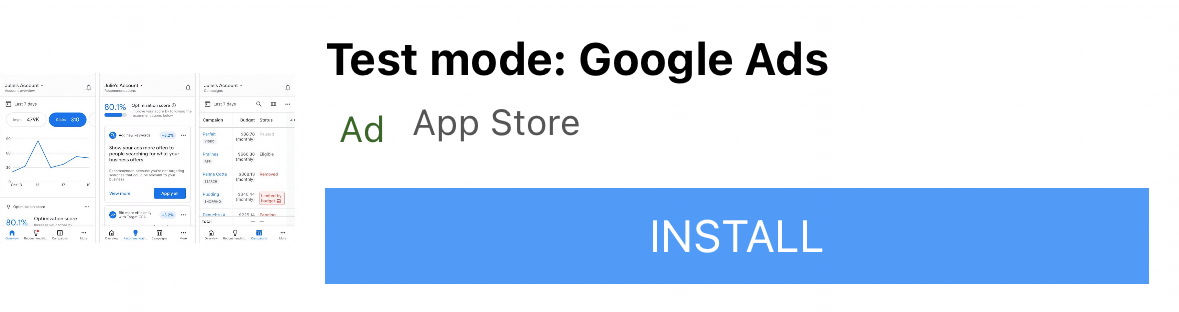
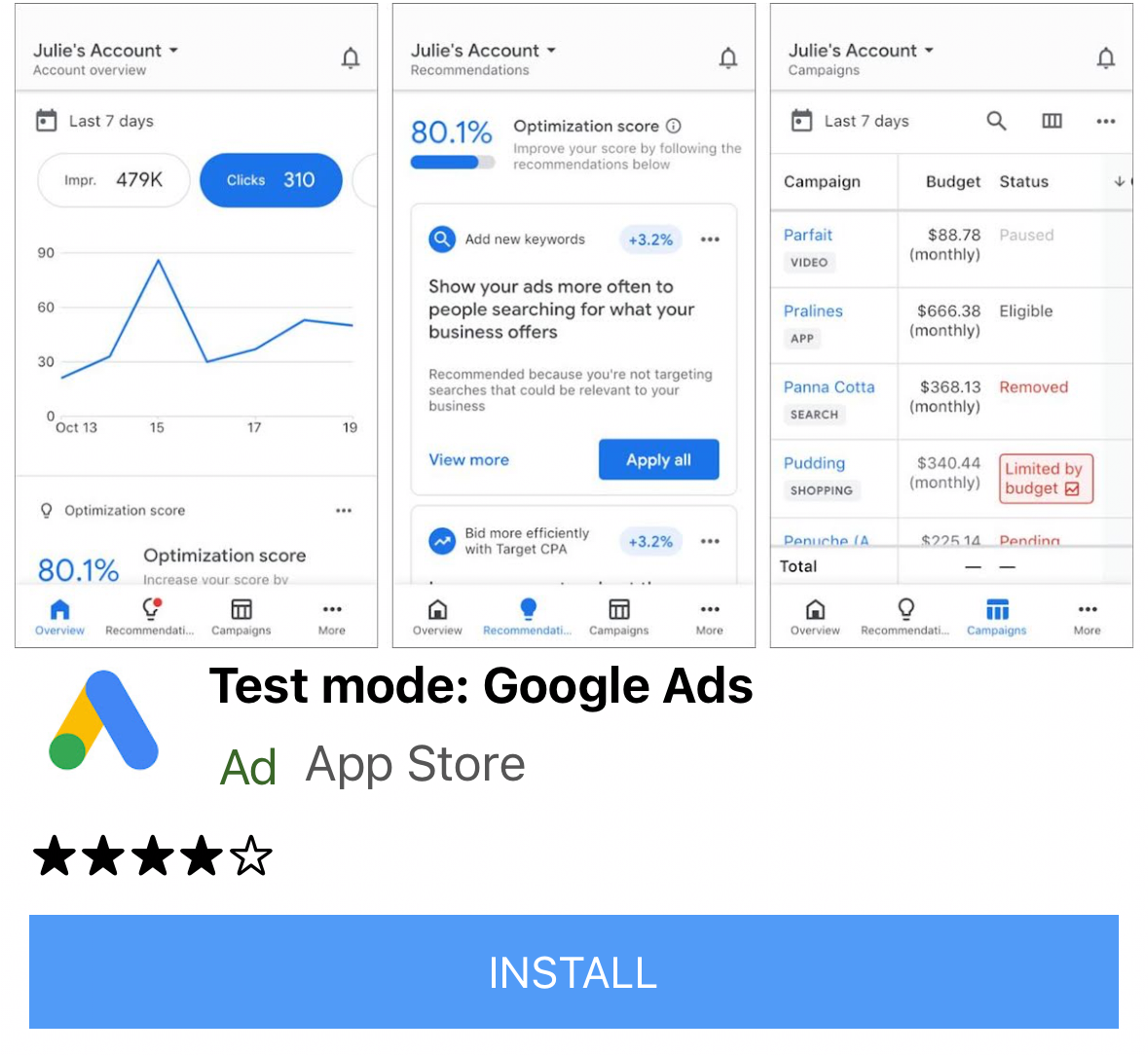
Flutter 原生广告模板分为两种类型:TemplateType.small 和 TemplateType.medium。小型模板是 TableView 或 GridView 的理想之选,也非常适合信息流广告或任何需要细长矩形广告视图的场景。中型模板占页面视图的二分之一到四分之三,非常适合用于着陆页或启动页。
| 小型模板 | |
|---|---|
 Android |
 iOS |
| 中型模板 | |
 Android |
 iOS |
原生广告事件
若要在发生与原生广告互动相关的事件时收到通知,请使用广告的 listener 属性。然后,实现 NativeAdListener 以接收广告事件回调。
class NativeExampleState extends State<NativeExample> {
  NativeAd? _nativeAd;
  bool _nativeAdIsLoaded = false;

 // TODO: replace this test ad unit with your own ad unit.
 final _adUnitId = '/21775744923/example/native';

  /// Loads a native ad.
  void loadAd() {
    _nativeAd = NativeAd(
        adUnitId: _adUnitId,
        listener: NativeAdListener(
          onAdLoaded: (ad) {
            print('$NativeAd loaded.');
            setState(() {
              _nativeAdIsLoaded = true;
            });
          },
          onAdFailedToLoad: (ad, error) {
            // Dispose the ad here to free resources.
            print('$NativeAd failedToLoad: $error');
            ad.dispose();
          },
          // Called when a click is recorded for a NativeAd.
          onAdClicked: (ad) {},
          // Called when an impression occurs on the ad.
          onAdImpression: (ad) {},
          // Called when an ad removes an overlay that covers the screen.
          onAdClosed: (ad) {},
          // Called when an ad opens an overlay that covers the screen.
          onAdOpened: (ad) {},
          // For iOS only. Called before dismissing a full screen view
          onAdWillDismissScreen: (ad) {},
          // Called when an ad receives revenue value.
          onPaidEvent: (ad, valueMicros, precision, currencyCode) {},
        ),
        request: const AdManagerAdRequest(),
        // Styling
        nativeTemplateStyle: NativeTemplateStyle(
            // Required: Choose a template.
            templateType: TemplateType.medium,
            // Optional: Customize the ad's style.
            mainBackgroundColor: Colors.purple,
            cornerRadius: 10.0,
            callToActionTextStyle: NativeTemplateTextStyle(
                textColor: Colors.cyan,
                backgroundColor: Colors.red,
                style: NativeTemplateFontStyle.monospace,
                size: 16.0),
            primaryTextStyle: NativeTemplateTextStyle(
                textColor: Colors.red,
                backgroundColor: Colors.cyan,
                style: NativeTemplateFontStyle.italic,
                size: 16.0),
            secondaryTextStyle: NativeTemplateTextStyle(
                textColor: Colors.green,
                backgroundColor: Colors.black,
                style: NativeTemplateFontStyle.bold,
                size: 16.0),
            tertiaryTextStyle: NativeTemplateTextStyle(
                textColor: Colors.brown,
                backgroundColor: Colors.amber,
                style: NativeTemplateFontStyle.normal,
                size: 16.0)))
      ..load();
  }
}
展示广告
若要以 widget 形式展示 NativeAd,您在调用 load() 之后,必须实例化含有受支持广告的 AdWidget。您可以在调用 load() 之前创建 widget,但必须先调用 load(),然后才能将该 widget 添加到 widget 树中。
AdWidget 继承自 Flutter 的 Widget 类,可以像其他任何 widget 一样使用。在 iOS 中,请确保将该 widget 放置在具有指定宽度和高度的容器中。否则,您的广告可能不会展示。
// Small template
final adContainer = ConstrainedBox(
  constraints: const BoxConstraints(
    minWidth: 320, // minimum recommended width
    minHeight: 90, // minimum recommended height
    maxWidth: 400,
    maxHeight: 200,
  ),
  child: AdWidget(ad: _nativeAd!),
);

// Medium template
final adContainer = ConstrainedBox(
  constraints: const BoxConstraints(
    minWidth: 320, // minimum recommended width
    minHeight: 320, // minimum recommended height
    maxWidth: 400,
    maxHeight: 400,
  ),
  child: AdWidget(ad: _nativeAd!),
);
处置广告
当不再需要访问 NativeAd 时,必须将其销毁。最佳实践是在将与原生广告关联的 AdWidget 从 widget 树中移除后调用 dispose(),或在 AdListener.onAdFailedToLoad() 回调中调用。