# Sublime (and Atom) Snippets
[Video](https://www.youtube.com/watch?v=EkX_nX3tEJk)
[Snippets are reusable chunks of
code](http://docs.sublimetext.info/en/latest/extensibility/snippets.html) that
you can easily and quickly drop into your text editor.
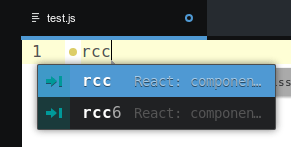
The way they work is you start typing a short hand code, a popup will appear and
you simply press enter for the snippet you want and you'll get a predefined
chunk of code.
The only gotcha to bare in mind is that snippets may only work when the file you
are editing has a specific extension (i.e. JavaScript snippets would only work
when editing a file ending with .js).
## JS and NodeJS Snippets
[Sublime](https://packagecontrol.io/packages/JavaScript%20%26%20NodeJS%20Snippets)
\| [Atom](https://atom.io/packages/javascript-snippets)
The [JavaScript and NodeJS Snippets
package](https://packagecontrol.io/packages/JavaScript%20%26%20NodeJS%20Snippets)
by [Zeno Rocha](http://zenorocha.com/) is a great package of simple snippets
that allow you to quickly write out common JavaScript.
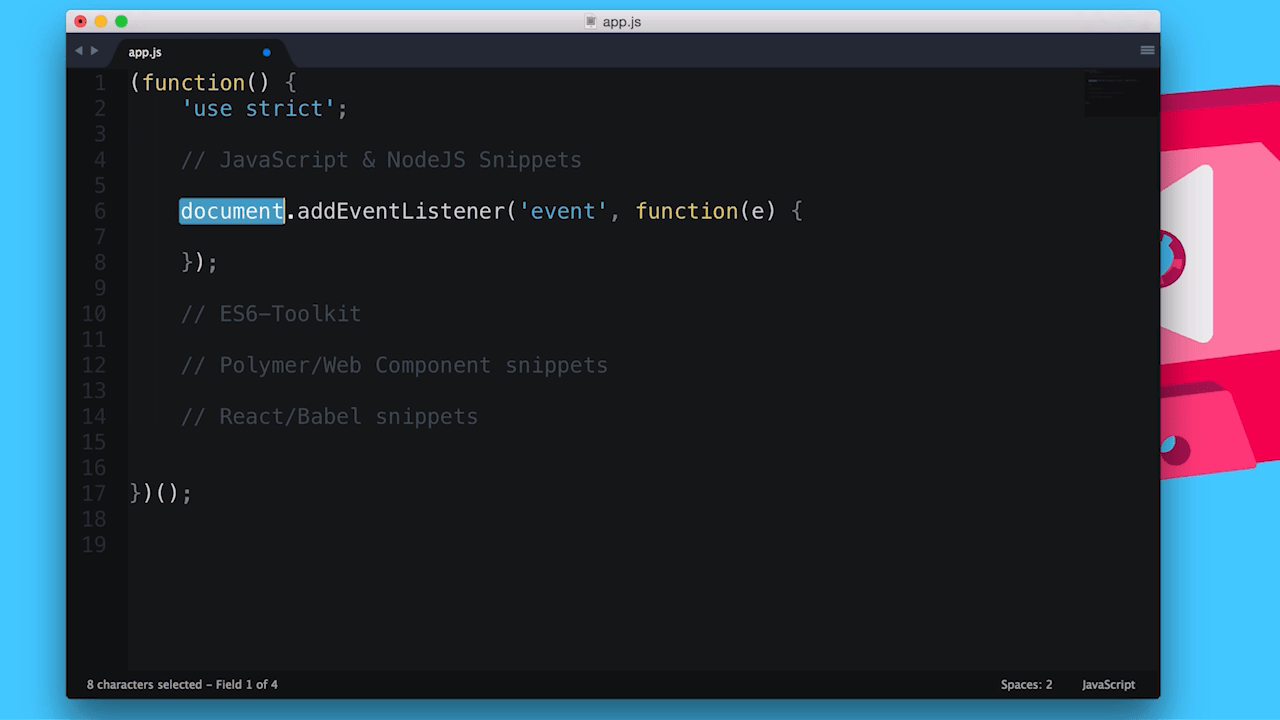
Below are some examples of shorthand codes and the code they produce:
### ae (Add Event Listener)
document.addEventListener('event', function(e) {
// body...
});
### cel (Create Element)
document.createElement(elem);
### cdf (Create Document Fragment)
document.createDocumentFragment(elem);
### pr (Prototype)
ClassName.prototype.methodName = function(arguments) {
// body...
}
### iife (Immediately-invoked function expression)
(function(window, document, undefined) {
// body...
})(window, document);
[Here's the post by Ben Alman on
iife's](http://benalman.com/news/2010/11/immediately-invoked-function-expression/),
just for Matt.
Zeno has a full list of the commands you can use on the [github
repo](https://github.com/zenorocha/sublime-javascript-snippets) (and package
pages).
## ES2015 Toolkit
[Sublime](https://packagecontrol.io/packages/ES6-Toolkit)
ES2015 (a.k.a ES6) is awesome and with most awesome things, there's a snippet
package to go with it.
To use this package and it's snippets, be sure to install
[Babel](https://www.npmjs.com/package/babel) through NPM.
npm install -g babel
Also take note of the capital at the start of some of the shorthand codes.
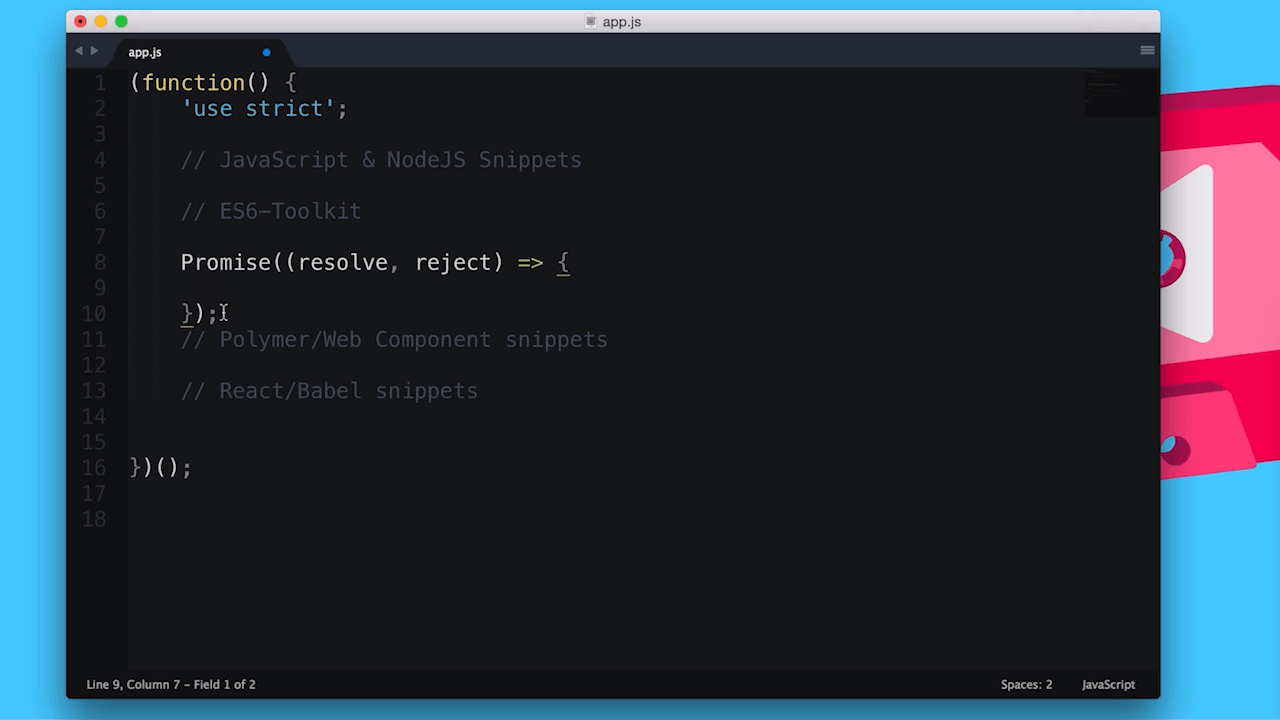
### Promise
Promise((resolve, reject) => {
});
### class
class Classname extends AnotherClass {
constructor(args) {
// code
}
// methods
}
### object
var obj = {
__proto__: theProtoObj,
handler,
toString() {
return "object";
}
}
For full listing of the supported snippets check out the [Sublime package
control page](https://packagecontrol.io/packages/ES6-Toolkit).
Unfortunately this package isn't available for Atom. The closest equivalent
seems to be [this package titled
'es6-javascript'](https://atom.io/packages/es6-javascript).
## Polymer and Web Component Package
[Sublime](https://packagecontrol.io/packages/Polymer%20%26%20Web%20Component%20Snippets)
\| [Atom](https://atom.io/packages/polymer-snippets)
Cut down your effort writing out boilerplate for Polymer with [Mr
Dodsons](http://robdodson.me/) awesome Polymer and Web Component snippets.

### hi (HTML Import)
### pe (Polymer Element)
## React Snippets
[Sublime](https://github.com/babel/babel-sublime-snippets) \|
[Atom](https://atom.io/packages/react)
Finally for the React fans out there, there's a package for you too. Scaffold
out components and commonly written code with these snippets.
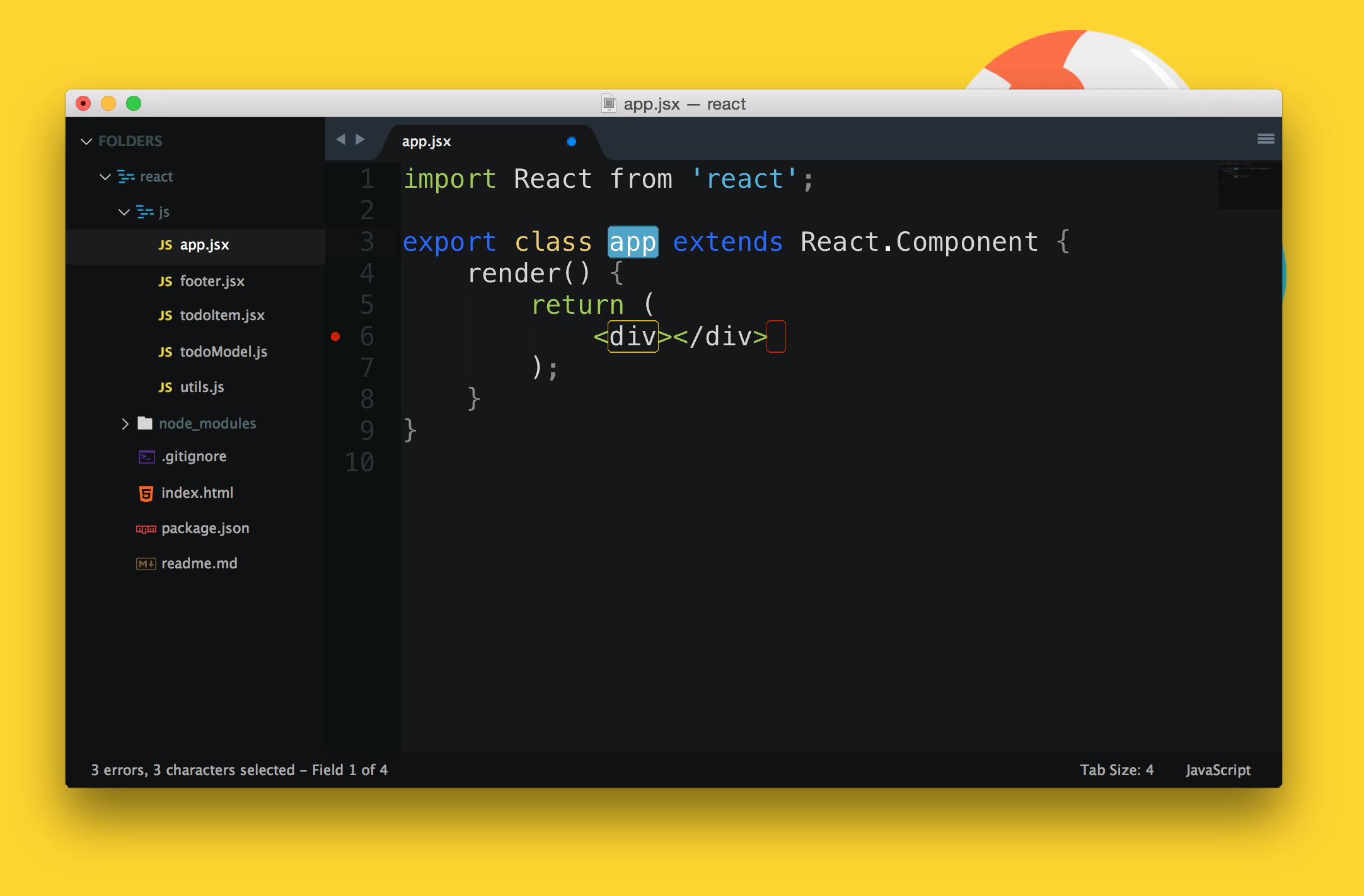
### rcc (Class Component Skeleton)
var React = require('react');
var PropTypes = React.PropTypes;
var = React.createClass({
render: function() {
return (
);
}
});
module.exports = ;
### scu (shouldComponentUpdate)
shouldComponentUpdate: function(nextProps, nextState) {
},
### props
this.props.
### state
this.state.
## MOAR Packages
There are a tonne of other packages which offer snippets for different
frameworks, so if you find yourself writing the same pieces of code over and
over, chances are someone has written a package to help make that a thing of the
past, just do a search in the package manage for your editor
([Sublime](https://packagecontrol.io/) \| [Atom](https://atom.io/packages)).