# Search using past results while driving
When users are driving, they might be restricted from using the keyboard.
However, you can still present past search results (locations) or keywords (such
as "coffee") on the
[Search template](https://developers.google.com/cars/design/create-apps/apps-for-drivers/templates/search-template).
Users can then select the result to proceed toward navigation.
> [!NOTE]
> **Note:** This sample flow shows how the templates might look in Android Auto.
## Sample flow
| User action | Where action is performed | Step count after action |
|---|---|---|
| The user taps the **Search** button from the action strip. | List template included in the Map + Content template (landing template) 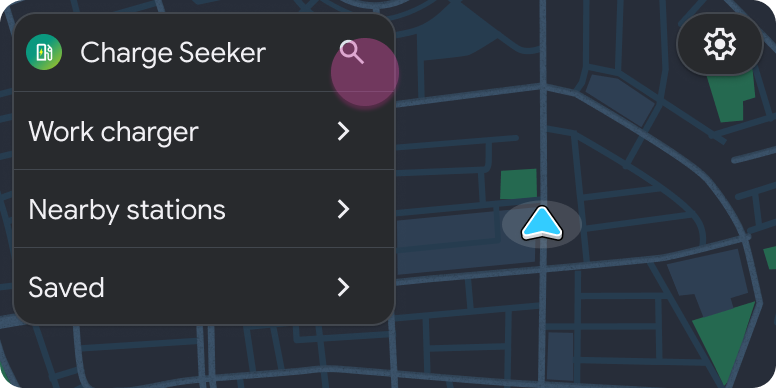 | 1 |
| The user selects the option to show the map with a list of past results. | Search template (disabled state) 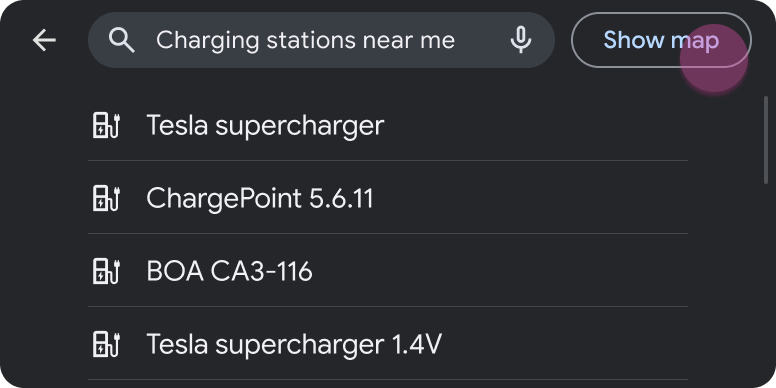 | 2 |
| The user selects an item from the list. | List template included in the Map + Content template 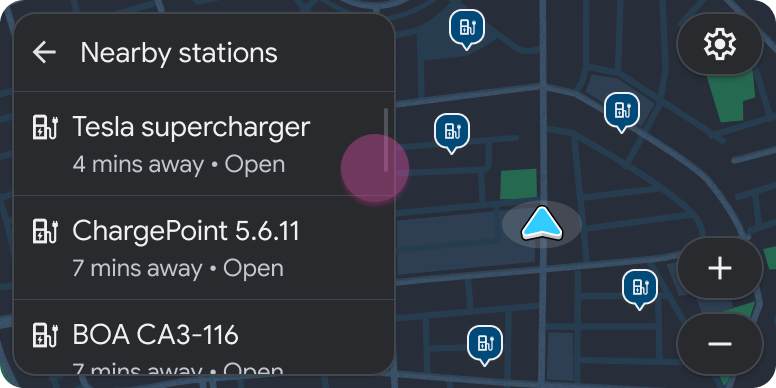 | 3 |
| The user selects an action from the pane that opens. | Pane template included in the Map + Content template 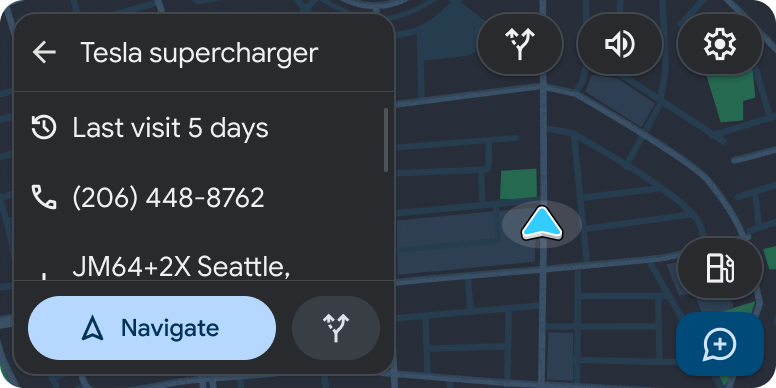 | 4 |
| Navigation begins. | Navigation template 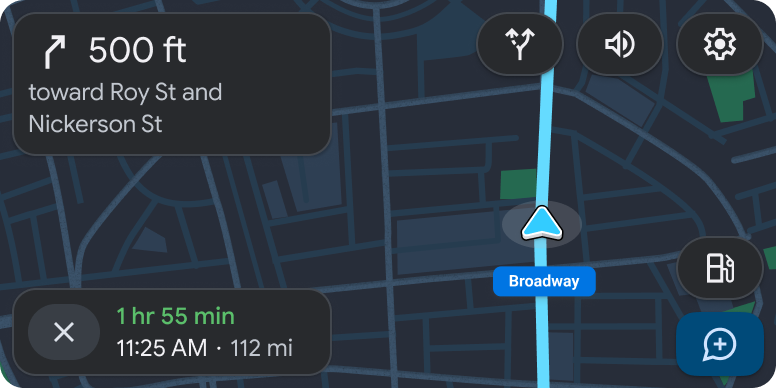 | 1 (new task) |