# Browse locations and start navigation
Organizing multiple saved locations under submenus, such as "Recents," can help
users quickly browse and find what they want.
In this example, even with the additional step of selecting a route, the task flow from start to finish remains well within the maximum of 5 steps.
> [!NOTE]
> **Note:** This sample flow shows how the templates might look in Android Auto.
## Sample flow
The user opens your app.
| User action | Where action is performed | Step count after action |
|---|---|---|
| The user selects a submenu. | Landing template (List template included in the Map + Content template) 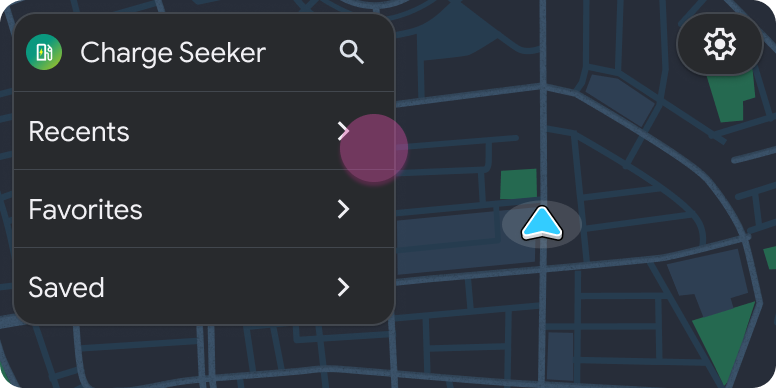 | 1 |
| The user selects a location. | List template included in the Map + Content template (not a refresh) 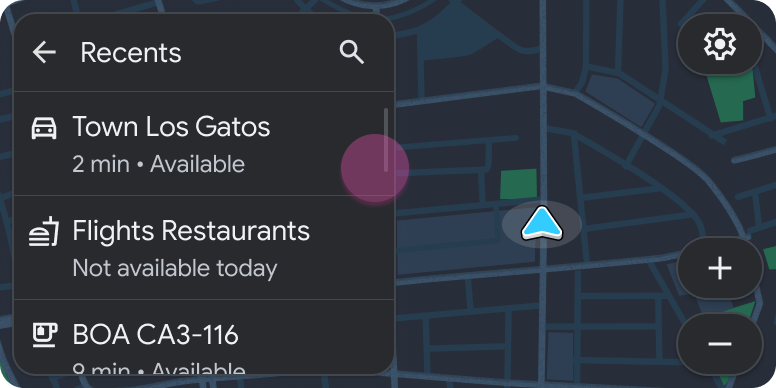 > [!NOTE] > **Note:** Because new content is presented, this step is considered a new step, not a refresh. | 2 |
| The user selects a route. | List template included in the Map + Content template 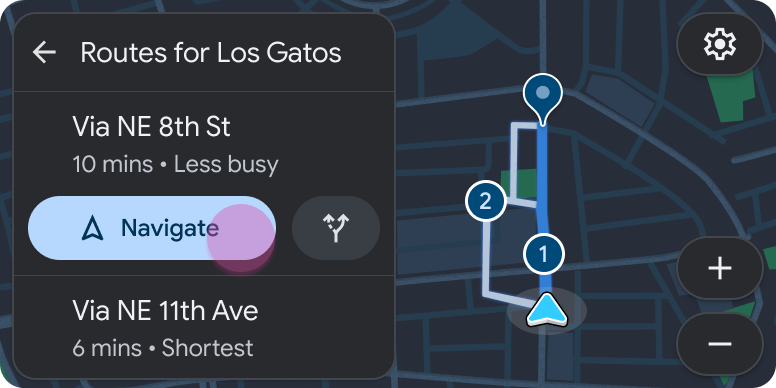 | 3 |
| Navigation begins. | Navigation template  | 1 (new task) |