# Floating action button (FAB)
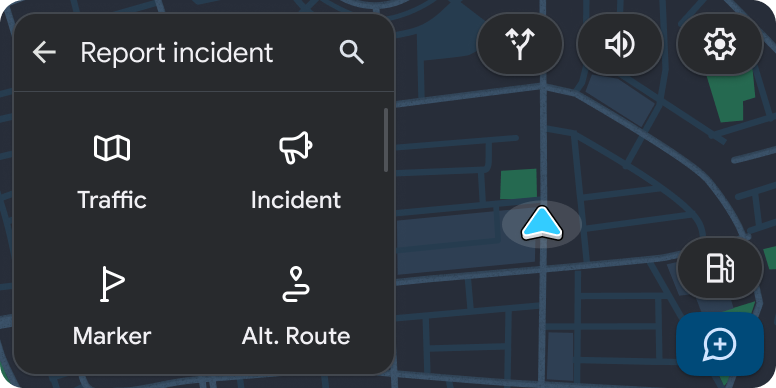
Floating action buttons place the most important actions on the screen a tap
away.
**Must include:**
- Icon with no label
- Background color
## Template support
FABs are supported by the
[Grid template](https://developers.google.com/cars/design/create-apps/apps-for-drivers/templates/grid-template)
and the [List template](https://developers.google.com/cars/design/create-apps/apps-for-drivers/templates/list-template).
## Guidance
Each Grid or List template is limited to two FABs, which appears in the
lower right corner.
Use a FAB for the most important action on the screen. Be sure that the icon is
easy to understand, since there is no text label. In the
[prior example](https://developers.google.com/cars/design/create-apps/apps-for-drivers/components/fab#example), the plus sign conveys the idea of adding another
destination.
> [!NOTE]
> **Note:** If the List or Grid template is embedded in a [Tab template](https://developers.google.com/cars/design/create-apps/apps-for-drivers/templates/tab-template), an action strip is not allowed, so use a FAB.